


Check whether it is worth bidding
Understand the requirements, documents, and key deadlines before you prepare a price.
Five-step analysis
See the scope of the order, participation conditions, implementation and settlement rules, and contractual penalties in one, organized summary. Penalties are highlighted in red.
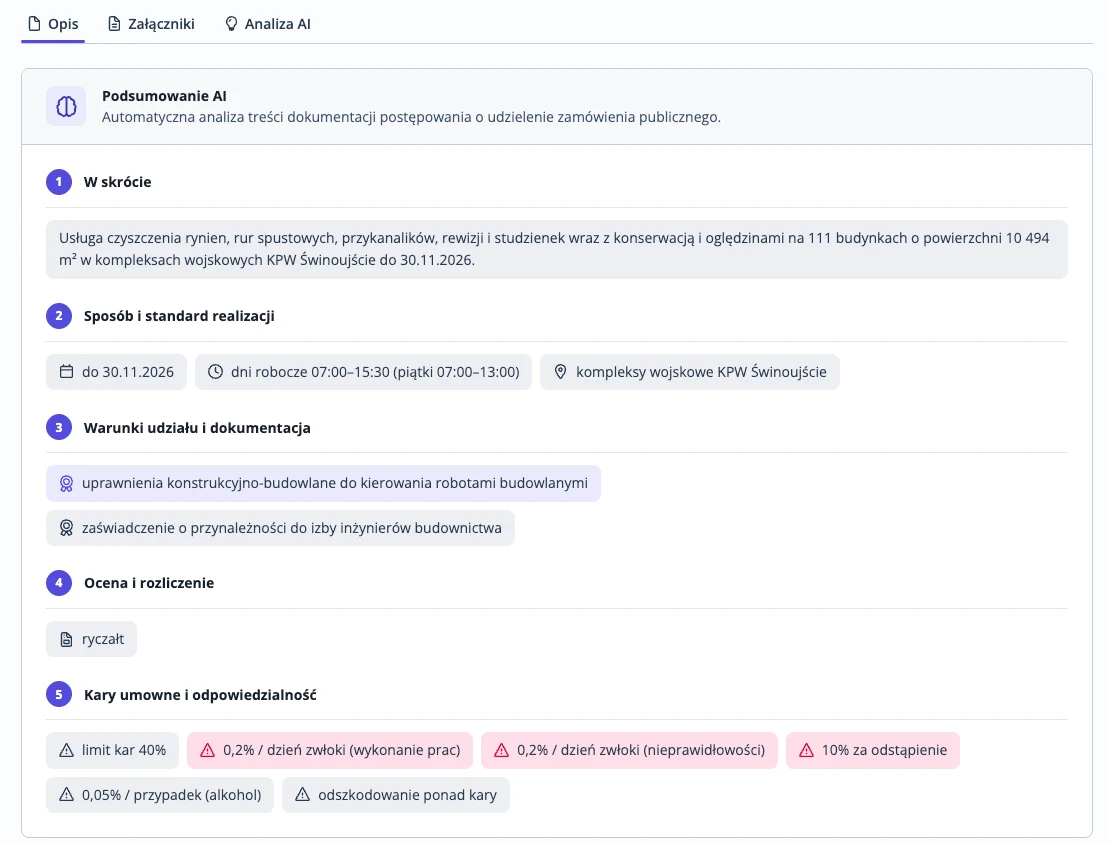
Pricing? Start with the scope and settlement. Completing the offer? Go to the required documents.
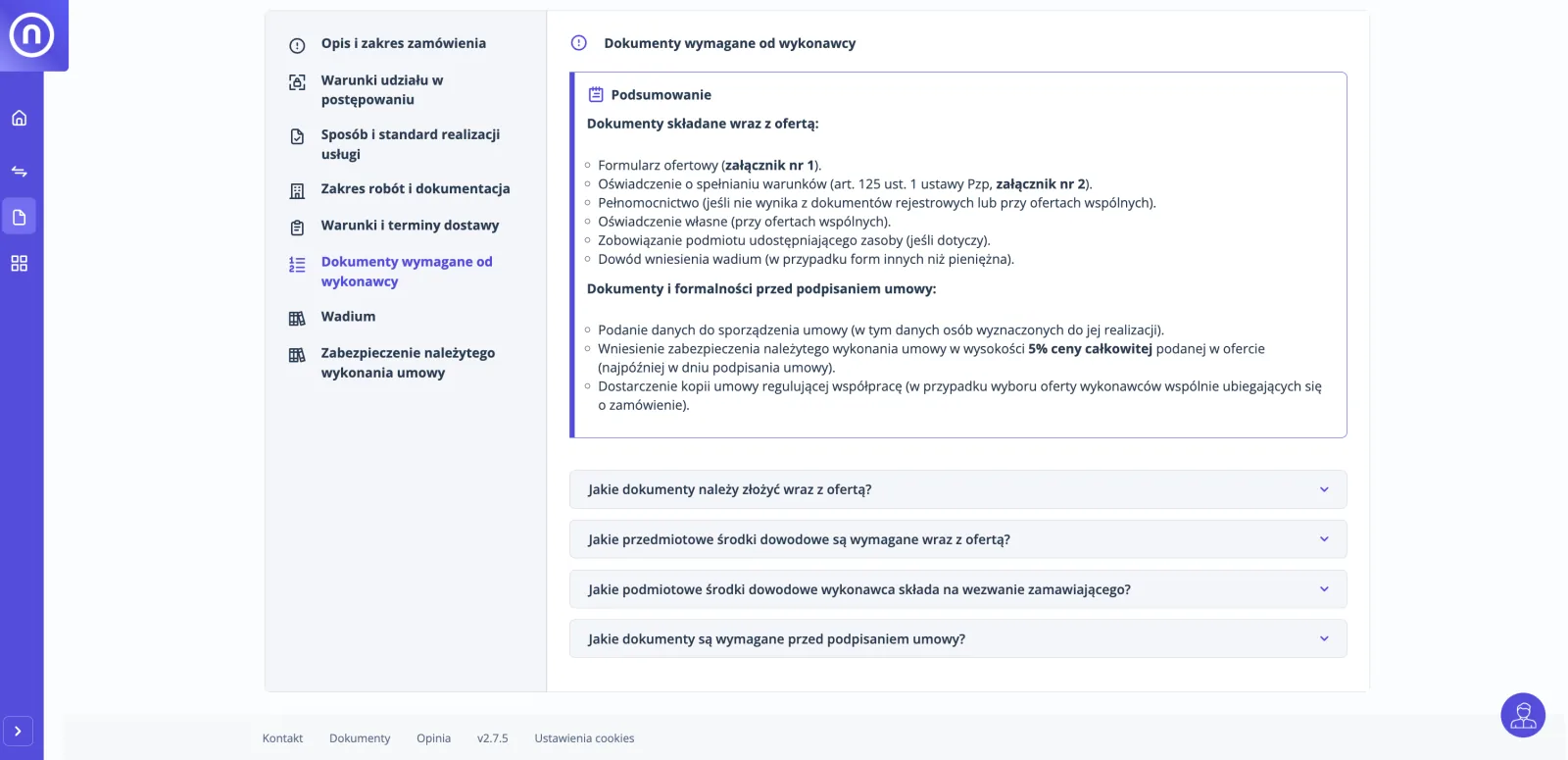
The 'Show source' link opens the fragment of the document from which the answer originates.
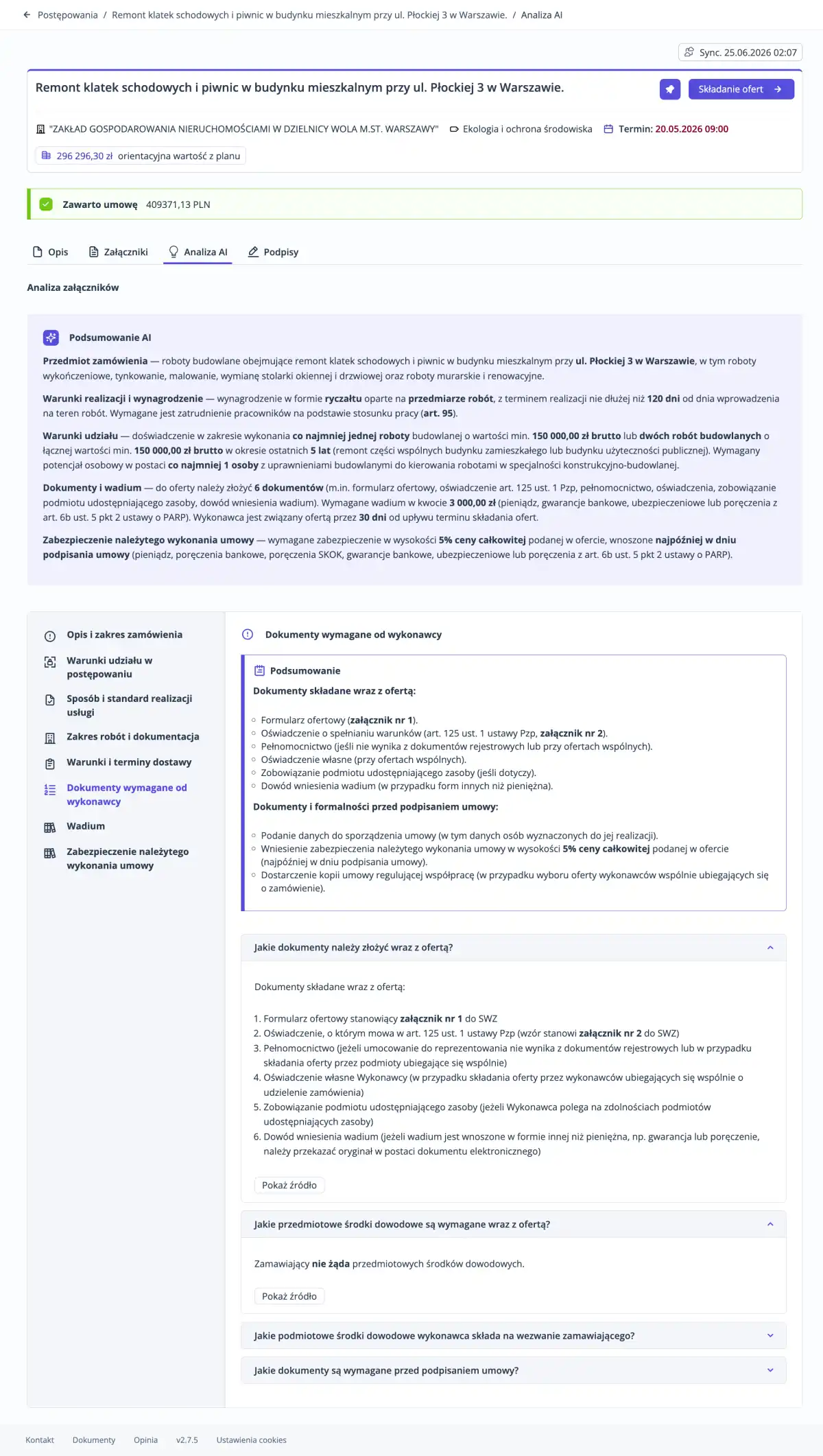
Save the procedure analysis as a free PDF report. Review it at your convenience, print it, or give it to the person with whom you are preparing the offer.
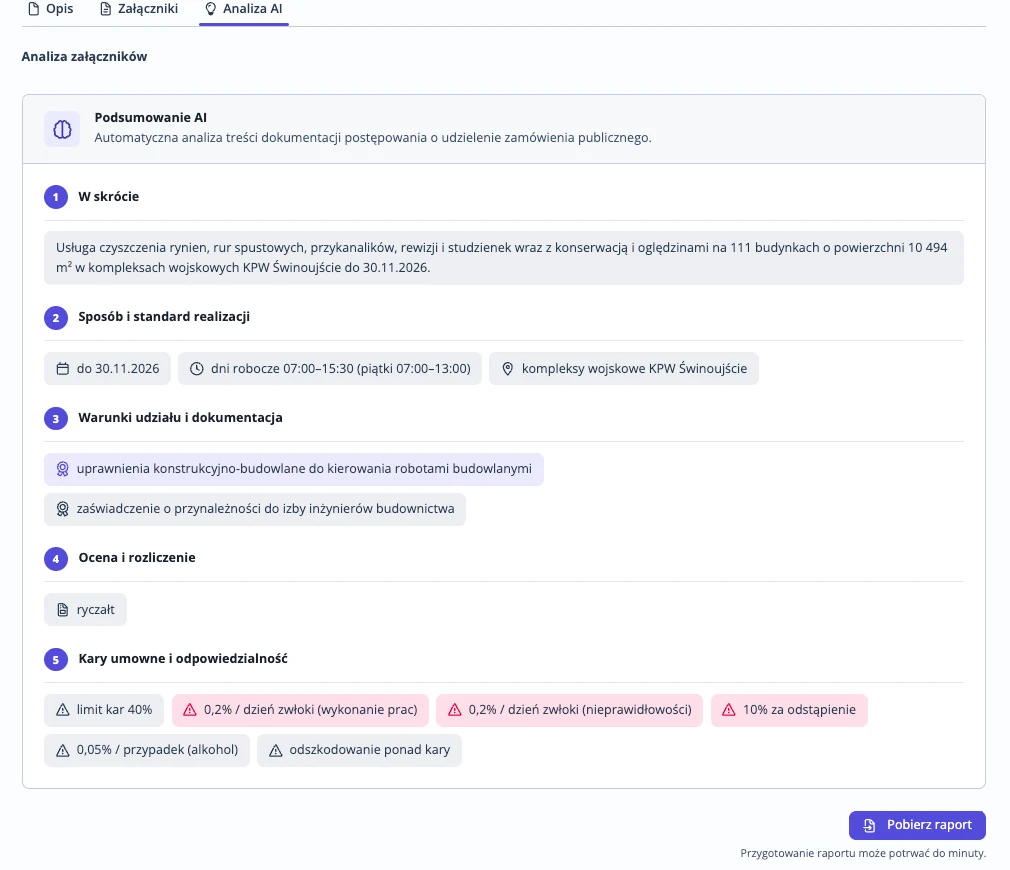
The analysis is re-run after adding new attachments.
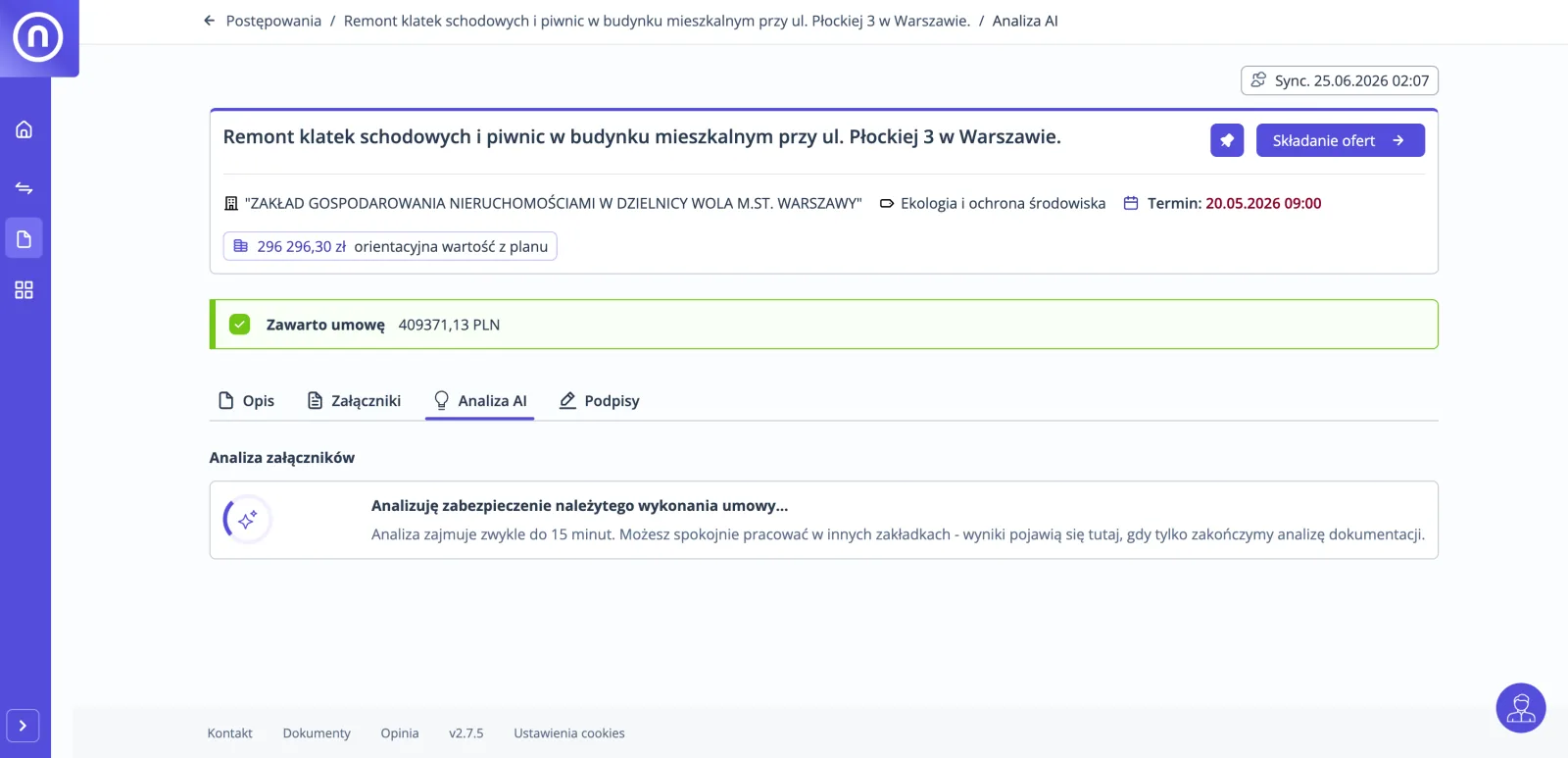
Step 1: Key information at a glance
See the scope of the order, participation conditions, implementation and settlement rules, and contractual penalties in one, organized summary. Penalties are highlighted in red.
Step 2: Open the area that interests you
Pricing? Start with the scope and settlement. Completing the offer? Go to the required documents.
Step 3: Check the answer in the source
The 'Show source' link opens the fragment of the document from which the answer originates.
Step 4: Download the analysis. Return to it later.
Save the procedure analysis as a free PDF report. Review it at your convenience, print it, or give it to the person with whom you are preparing the offer.
Step 5: Return after documentation changes
The analysis is re-run after adding new attachments.
What the analysis prepares
Conditions of participation, deadlines and required documents in a readable summary, with links to sources.
| Analysis area | What you know from it |
|---|---|
| Description and scope of the order | What needs to be provided or done. |
| Conditions of participation in the procedure | What requirements the buyer sets for the supplier. |
| Delivery conditions and deadlines | When, where and how the delivery must take place. |
| Documents required from the supplier | What forms and statements need to be prepared and when. |
| Bid security | Whether it is required, in what amount and form. |
| Performance security | What is the amount and method of payment. |
| Contractual penalties and liability | For what, in what amount and with what limit. |
Questions about SWZ analysis
Still have a question? Contact us
How does SWZ analysis work in openSales?
Open the procedure with attachments and start with the summary. Then you move to the sections, and the 'Show source' link opens a fragment of the document.
What does the message 'No data' mean in the analysis?
The analysis did not find an answer in the documents. Then open the appropriate part of the SWZ and subsequent explanations.
Is document analysis paid?
No, document analysis is available on a free account. Do you have an account on the openBuy Platform? You can log in to the openSales Platform with the same OpenNexus account details.
Where are the documents you analyze stored?
We store and analyze documentation in Poland. OpenNexus has four certificates issued by TÜV NORD entities: ISO/IEC 27001, ISO/IEC 27017, ISO/IEC 27018 and EN ISO 22301.
Guides on reading documentation
- openSales in practiceAI analysis of the SWZ: start from the ready-made summary
- Submitting an offerHow to analyze tender documentation with AI and check answers?
- Submitting an offerHow to read the tender specifications (SWZ) step by step
- Submitting an offerHow to check the tender and documents before preparing a bid?
- Submitting an offerCheck whether the agreement does not contain prohibited provisions
Find a tender for your company. Decide whether to bid.
Open the procedure and start with the summary.
Select the procedure with attachments and check if it is worth bidding.